
Audio guides for museums
Let every object speak — in every language.
Write a description once. QR Simple translates it, reads it aloud and turns it into a QR code you can print today. Visitors scan, choose their language, and listen.
- No audio recording needed
- Print-ready in about five minutes
- Nothing for visitors to install
~5min
to publish a QR with text and images
0audio files
required — every text is read aloud automatically
1click
to translate a description with AI
Live
statistics on every object, day by day
How it works
From wall label to audio guide in three steps.
-
01
Write
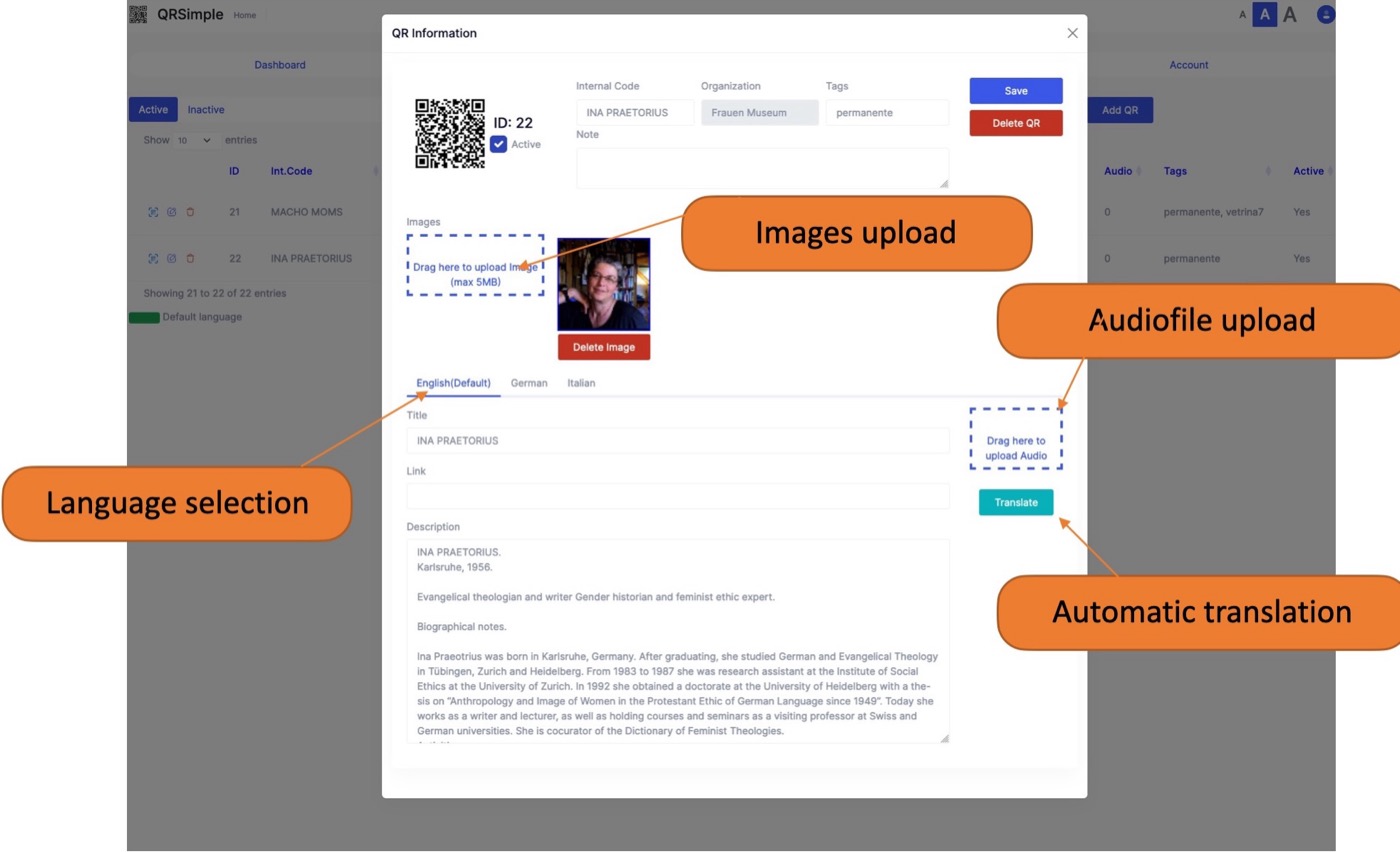
Add a title, a description and a few images for each object in the QR Simple dashboard.
-
02
Translate
Translate the text into other languages with one click, powered by AI. Upload your own recording for any language if you have one.
-
03
Print
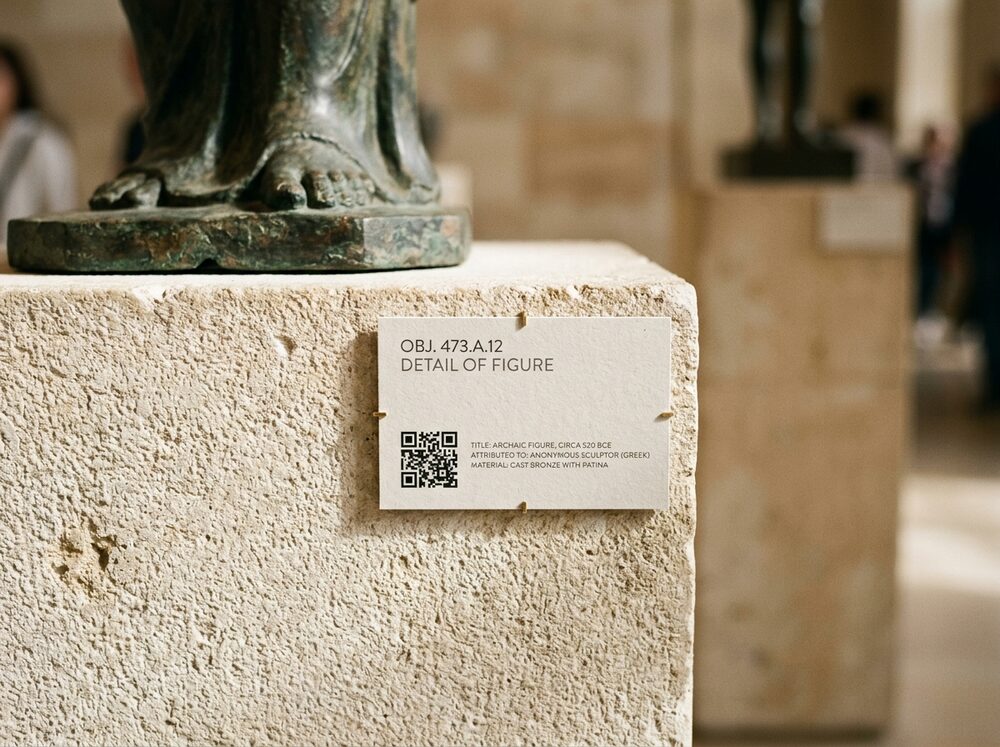
Download the QR code and put it on your label. It is ready to print the moment you save.
For museums
One dashboard for every object, in every language.
Manage texts, images, audio and translations from one screen. No agency, no recording studio, no reprinting when a translation changes hands.
- Multilingual texts and images for every object
- Automatic translation by artificial intelligence
- Optional audio file per language — otherwise the text is read aloud by speech synthesis
- QR codes ready to print immediately
- Visitor statistics: how often, and on which day, each QR was opened

For visitors
Scan. Choose a language. Listen.
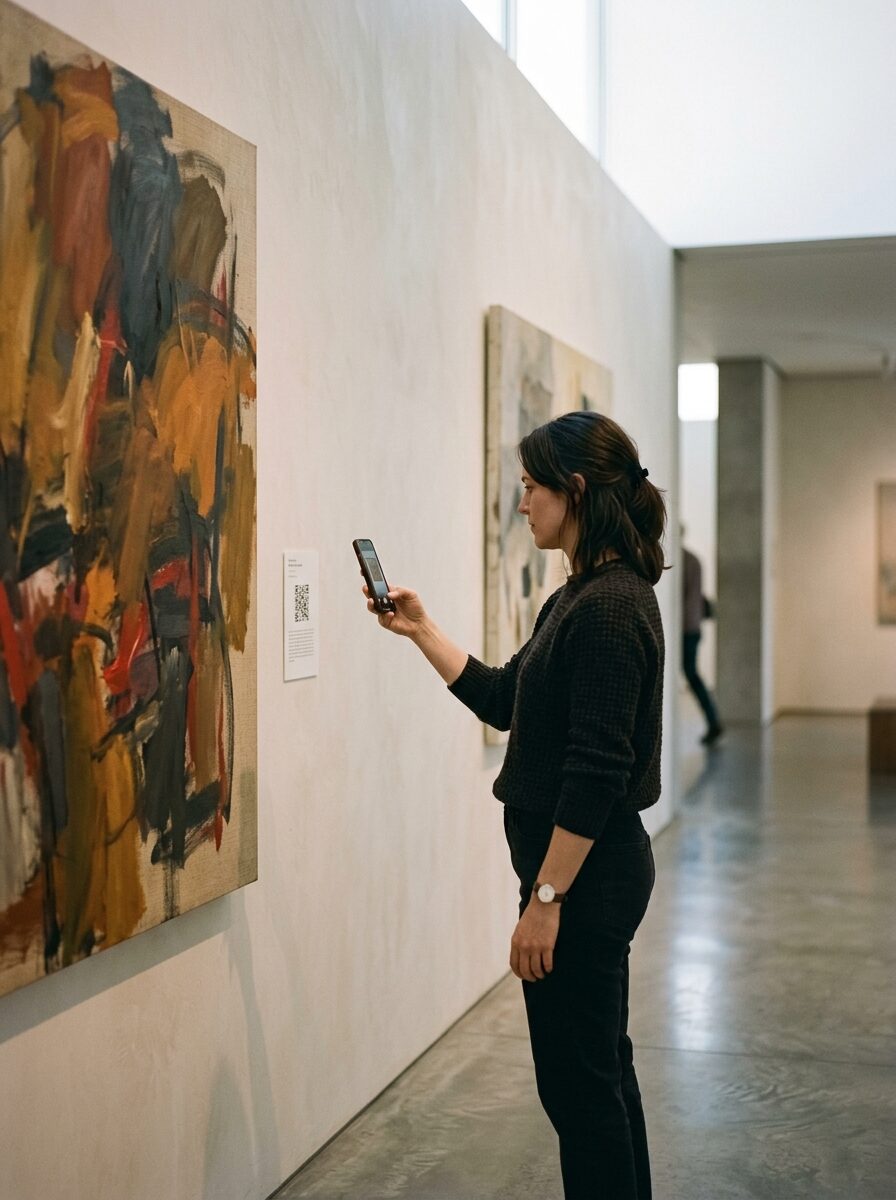
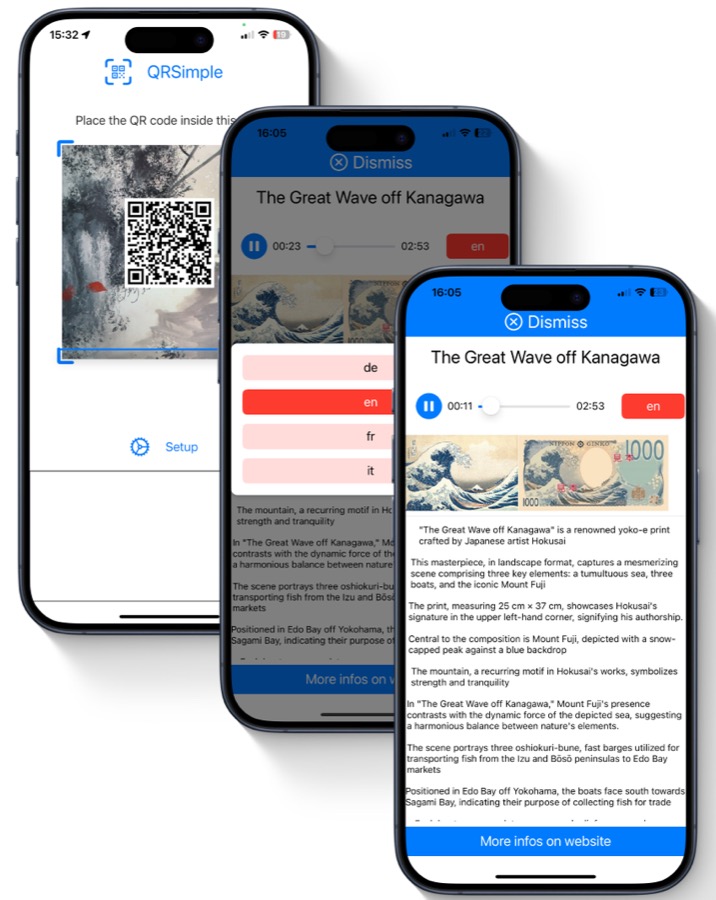
Nothing to download. Visitors open applink.qrsimple.com in their phone's browser, the scanner starts, and each object opens the moment its code is scanned.
- Nothing to install
- The scanner runs in the browser: open the link, point the camera, and the object's page appears.
- Your language, any time
- Switch language in a tap, even halfway through a story.
- Always an audio guide
- No recording for your language? The text is read aloud for you.
Try it now
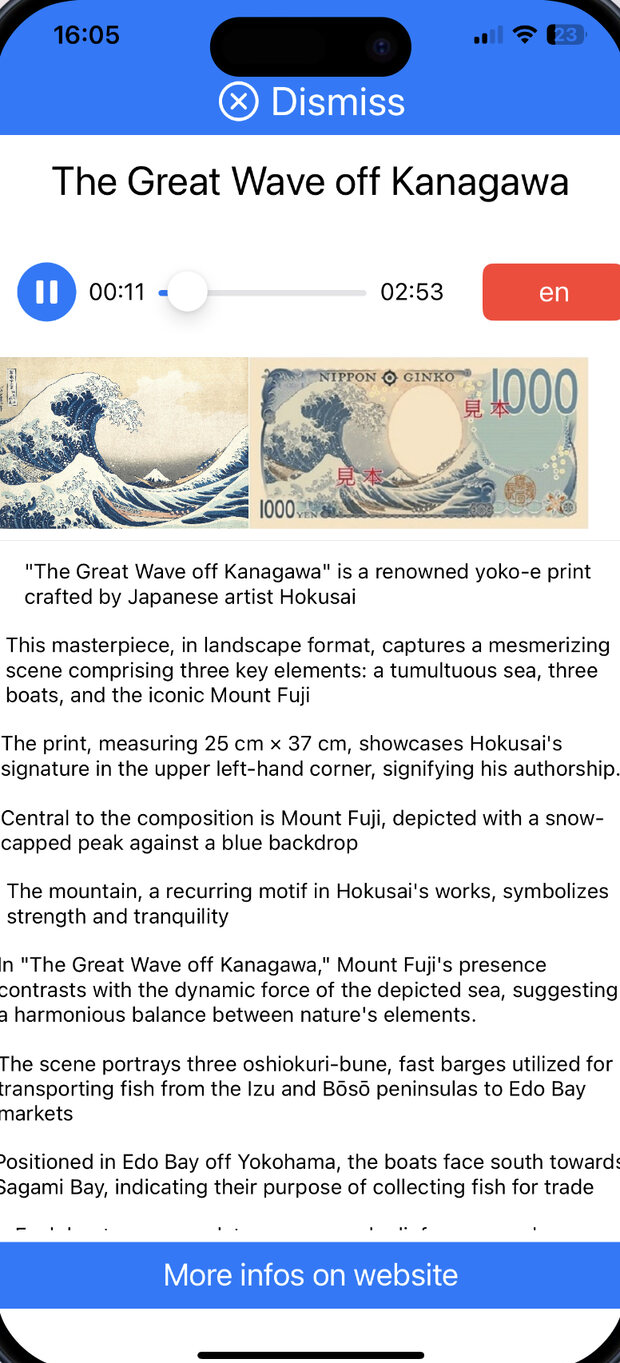
Hear The Great Wave for yourself.
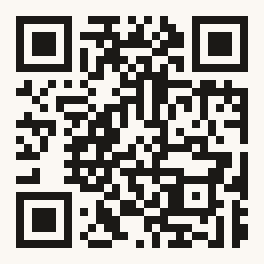
This is a real QR Simple code, exactly as a visitor would find it on a wall label.
- Scan the code with your phone's camera: the QR Simple scanner opens.
- With the scanner open, scan the code again.
- Listen to the audio guide.
Why museums switch
Better for visitors. Lighter for your team.
-
01
Lower costs
Stop paying to manage and translate multilingual content by hand. AI translation does the heavy lifting when you need it.
-
02
Save time
Creating a QR with text and images takes about five minutes, and it is ready to print straight away.
-
03
Real statistics
See how often and on which day each QR is opened, then place your objects where visitors can enjoy them most.
-
04
A better experience
Nothing to download and no small text to read. Every visitor has an audio guide in their pocket.
-
05
Multilingual by default
Instant language switching means visitors hear your stories in their native language.

Your collection already has the stories.
We help every visitor hear them.
Do we need to record audio for every language?
No. If there is no audio file for a language, the text is read aloud by built-in speech synthesis, so every QR works as an audio guide from day one. You can upload your own recording for any language whenever you like.
How are texts translated?
From the dashboard, one click translates a description into your other languages using artificial intelligence. You stay in control of the result and can edit any translation.
How long does it take to set up one object?
About five minutes to enter the text and images. The QR code can be printed immediately after you save.
What do visitors need?
Just a smartphone with a browser. They go to applink.qrsimple.com, the scanner opens, and scanning a code shows the object's page straight away. There is nothing to download.
What statistics do we get?
For each QR you can see how often it was opened and on which days. Use it to rethink where objects are placed, so visitors can see them more comfortably.
Get in touch
Bring your collection to every visitor.
Tell us about your museum and we'll show you QR Simple on your own objects.
Prefer email? info@qrsimple.com